Getting Started
The easiest way to get started with Magic is to signup for a cloudlet at Hyperlambda.dev. If you sign up, you get 2 weeks for free, no strings attached. However, if you want to run it locally you can use either Docker or the source code. The easiest way to get started is to use Docker.
Using Docker
The fastest way to run Magic locally is with Docker. Once Docker is installed, paste the command below into your terminal — it pulls a ready-made docker-compose file and starts both containers for you.
curl -fsSL https://hyperlambda.dev/docker-compose.yaml | docker compose -f - upThis spins up the frontend at port 5555 and the backend at port 4444, and creates volumes for all the folders whose files you typically change as you use Magic. The “/misc/” and “/system/” folders deliberately have no volumes, since those are meant to be replaced when you update your image.
Once your containers are up and running, navigate your browser to localhost:5555, and login to your backend at localhost:4444, using “root” as both the username and password. Once you’ve logged in, you’ll be asked to setup Magic. This will resemble the following.
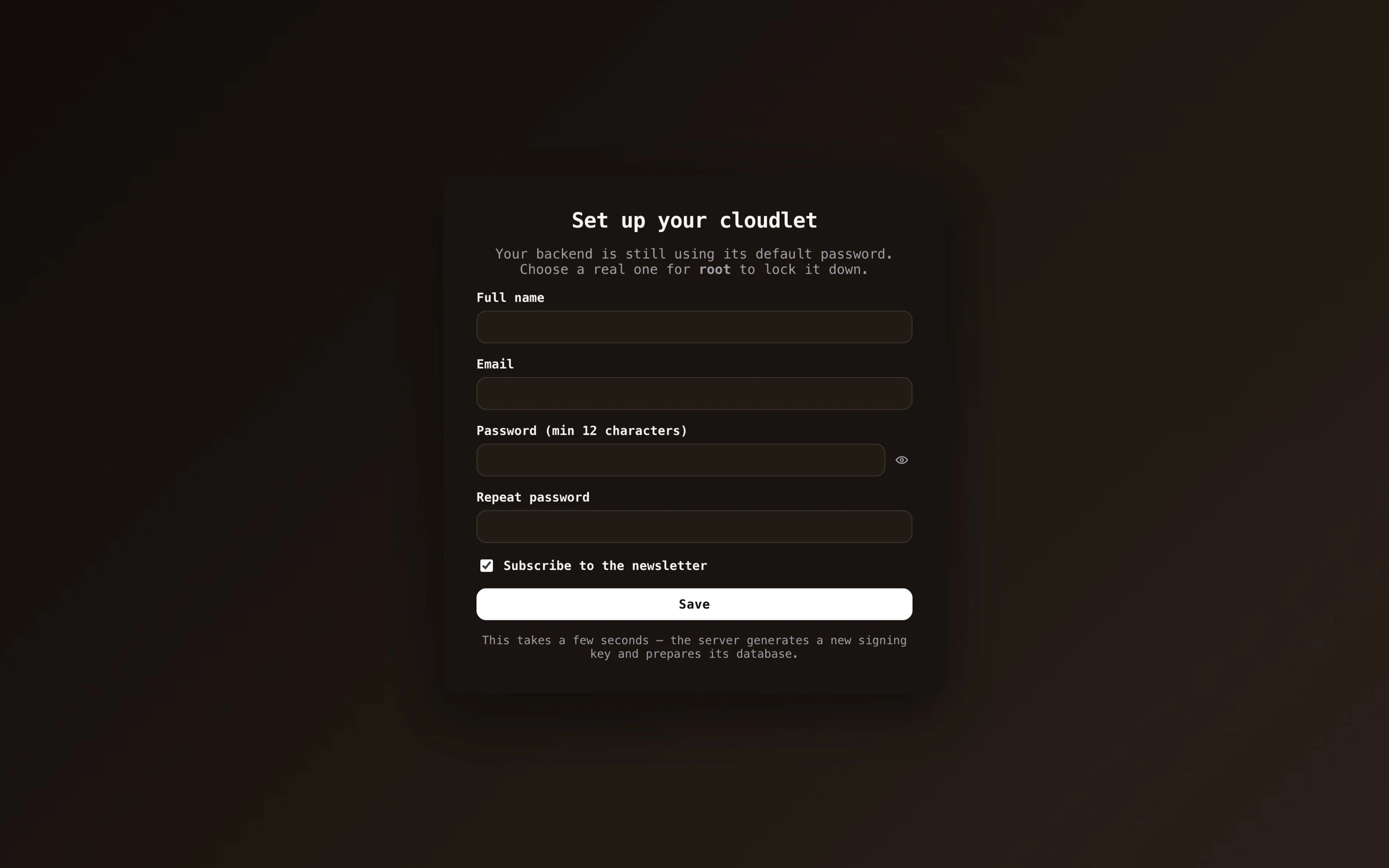
After you’ve provided a root password, your name, and your email address, you will be redirected to the main dashboard and you can start using Magic.
Using the source code version
Clone the Magic repository, make sure you’ve got .Net version 10 installed and the latest version of NodeJS, and enter the “backend” and “frontend” folders with two terminal windows, and execute the following commands in the respective terminals.
dotnet runnpm install && npm run dev
After some few minutes you should be able to access the dashboard from localhost:4201, and login to your cloudlet using http://localhost:5000 as your backend URL. The initial username and password combination is the same; “root” and “root”.
Deploy to production
If you want to deploy Magic to production we have created a detailed description here. To deploy Magic requires a lot of technical knowledge, and to maintain it requires knowledge about security, CDNs, etc - However, we’re here to help you for a fee if needed.