Hyperlambda Playground
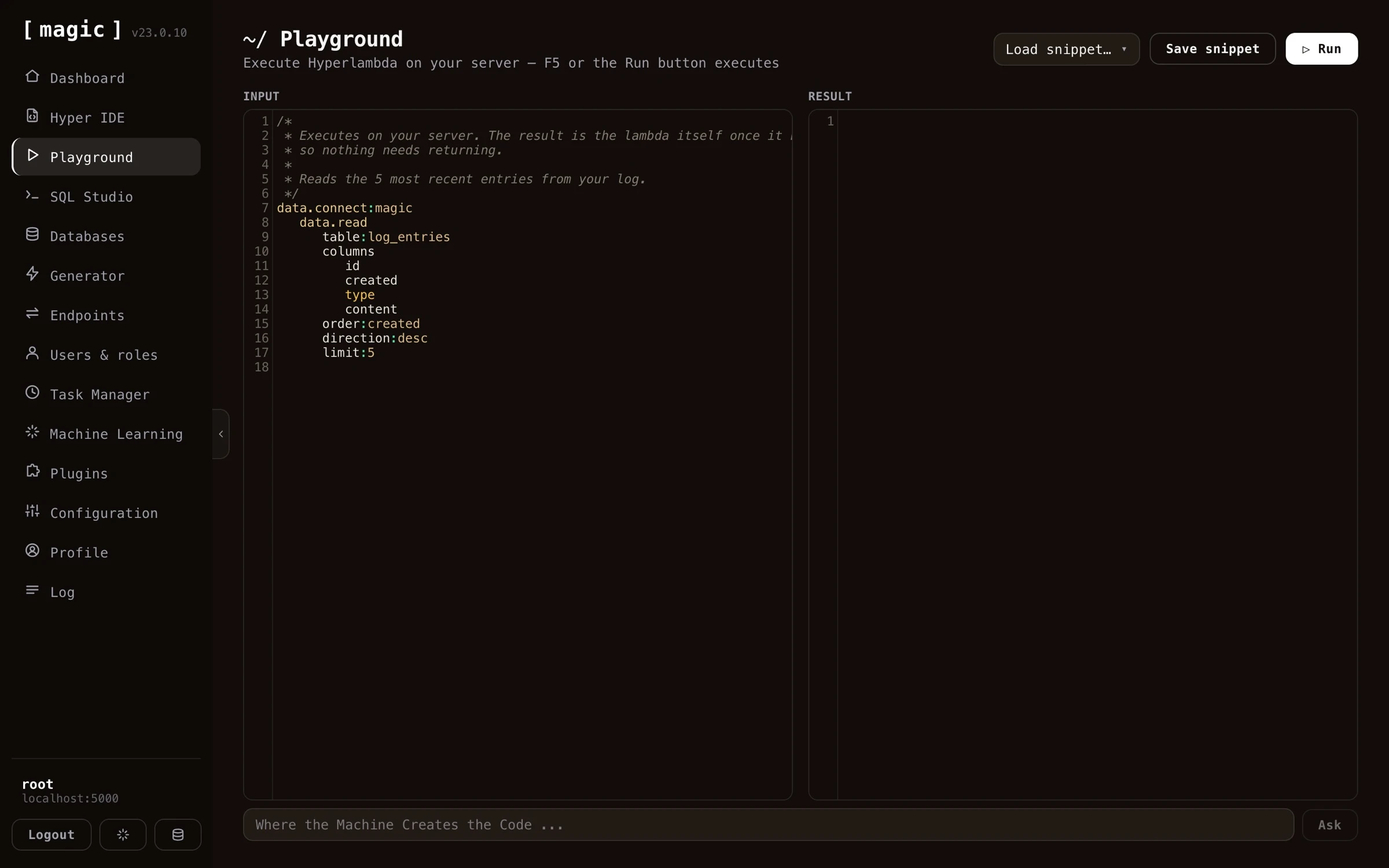
The Hyperlambda Playground component allows you to play with Hyperlambda code, and execute your code in “immediate mode”, for then to see the result of your execution immediately. The Hyperlambda playground is also a nice starting point to learn Hyperlambda, since it contains a whole range of Hyperlambda snippets that somehow demonstrate Hyperlambda’s capabilities, and provides examples for you as you start out learning Hyperlambda. Use the “Load snippet…” dropdown to load up some snippet, study it, modify it, and then execute it - For then to afterwards see the result of the execution.
Notice, you don’t have to write the Hyperlambda yourself. Below the editor you’ll find an input textbox that says “Where the Machine Creates the Code” - describe what you want in plain English, click “Ask”, and the Hyperlambda Generator writes the code for you, which you can then execute immediately. And when you do write code yourself, the editor gives you autocomplete on every slot in your cloudlet - click CTRL+SPACE on Windows or FN+CONTROL+SPACE on a Mac.
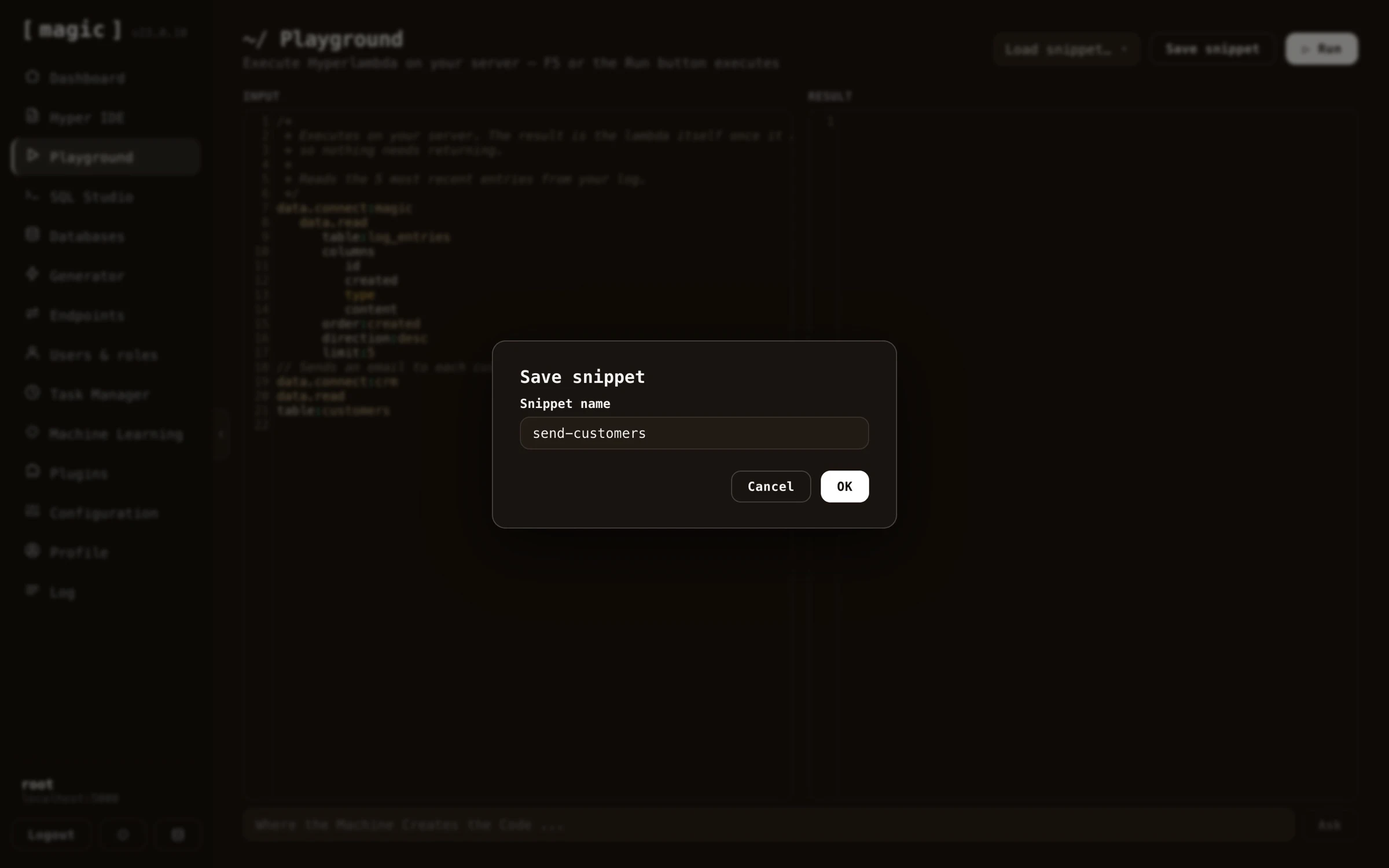
If you create a Hyperlambda snippet you for some reason want to save for later, you can save your Hyperlambda to your “snippets” collection, by clicking the “Save snippet” button, and give your snippet a name. This allows you to create snippets you need to periodically execute, and store these as your “admin snippets”, to rapidly execute snippets that somehow execute some Hyperlambda task at will. Saved snippets are loaded back with the “Load snippet…” dropdown.
Notice, the Playground also remembers your unsaved code within your browser session - you can navigate to another dashboard component to check something and come back, without losing what you were working on.
Hyperlambda Playground internals
The Hyperlambda Playground component will transmit your Hyperlambda to the server, where Magic will “transpile” your Hyperlambda into a graph object, referencing CLR “slots” implemented in C#, resulting in being able to dynamically execute code, and returning the result of the invocation to the caller. In such a regard Hyperlambda resembles XML, XSLT and XPath, although with a much less confusing syntax, where executing a snippet of Hyperlambda returns a “transformed” lambda object, which again is serialised as Hyperlambda and returned back to the client. This is why after having executed your Hyperlambda you can see its “result”.
Hyperlambda is an input/output execution graph object in such a regard, similar to XML and XSLT, where the output of the execution process, is the Hyperlambda transformed as a consequence of the execution itself. This is why you have both an input and an output part in the Hyperlambda playground.
Hyperlambda as a meta programming language
Since Hyperlambda is a meta programming language, implying the machine can easily generate functioning Hyperlambda that it executes, this allows you to use the Hyperlambda Playground as a “software development extension”, creating snippets of Hyperlambda, that somehow create or modify existing Hyperlambda code, and can be dynamically executed on demand.
In the Hyperlambda Playground’s snippets collection, you can find some snippets that do such tasks for you, such as one snippet called “format-hyperlambda” that you can parametrise with some folder and execute. Once executed this Hyperlambda snippet will correctly format all code recursively within that folder, by reading all Hyperlambda files inside of this folder recursively, for then to correctly format your files.
You can of course create your own similar snippets, that automatically perform similar types of tasks, for then to save these Hyperlambda files to your snippets collection.
- Read more about Hyperlambda to understand how to use this component
Frequently asked questions
What is the Hyperlambda Playground?
A component that executes Hyperlambda in 'immediate mode', showing you the result instantly. It is a great place to learn Hyperlambda, and ships with a collection of example snippets you can load, study, modify and execute.
Can the AI write the Hyperlambda for me?
Yes. The 'Where the Machine Creates the Code' bar below the editor turns a plain English description into working Hyperlambda through the Hyperlambda Generator, which you can then execute immediately.
Does the editor have autocomplete?
Yes, on every slot in your cloudlet - click CTRL+SPACE on Windows or FN+CONTROL+SPACE on a Mac.
Why does the Playground have both an input and an output section?
Executing Hyperlambda transforms its lambda graph, similar to how XSLT transforms XML. The output section shows your code as transformed by the execution itself.
Can I save my own snippets?
Yes. Click Save snippet and give it a name, building a collection of admin snippets you can load back with the Load snippet dropdown and re-execute at will - including snippets that generate or modify other Hyperlambda code.