Users & Roles
The Users & Roles component allows you to manage and administrate users and roles in your system, and/or create new users and roles. This component is what allows you to control how others are accessing your system. You might for instance have 3 different roles in your company, being C-level executives, managers, and employees. Typically these 3 different roles should not have access to the same parts, so you want to associate users with these different roles in Magic.
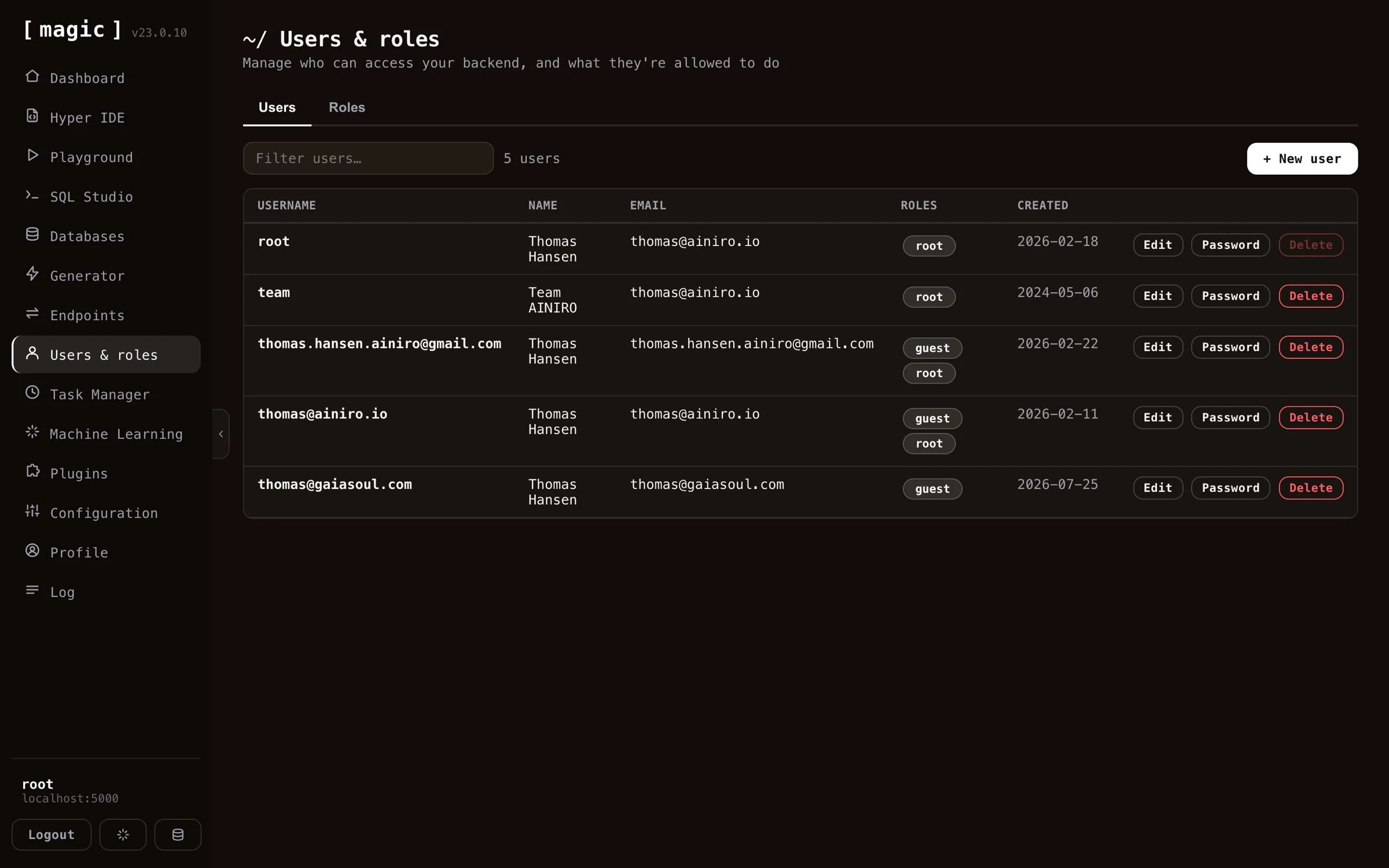
Managing users and roles
The users component is divided up into two parts. One part allows you to manage your users, and the other part allows you to manage your roles. You can create as many roles and users as you wish.
Users again have extra fields, which can be any information you wish - However, by default Magic will only handle email and name, allowing you to associate a name and an email address with users you create in your cloudlet.
Authentication and authorization internals
Magic is built upon JWT authentication and authorisation. This is a commonly used web standard, and allows you to easily use its existing authentication and authorisation system in your own code. JWT implies JSON Web Token, and is typically transmitted from your frontend to your backend as a “Bearer” token in your “Authorization” HTTP header.
In addition to its own username and password authentication, Magic can act as an OAuth server, and it ships single sign-on support for Google, GitHub, LinkedIn, Microsoft Entra ID, Okta, Auth0, Keycloak and Slack - configured from the Configuration component, with a per-provider walkthrough in the SSO sign-in providers tutorial. Regardless of how a user signs in - through Magic’s own login, as an OAuth client, or through an external identity provider - they are still mapped onto Magic’s own internal roles, and access is still governed by the same internal RBAC-based system described below. This gives you the convenience of federated, standards-based sign-in, without giving up the fine-grained role-based control Magic provides over your endpoints.
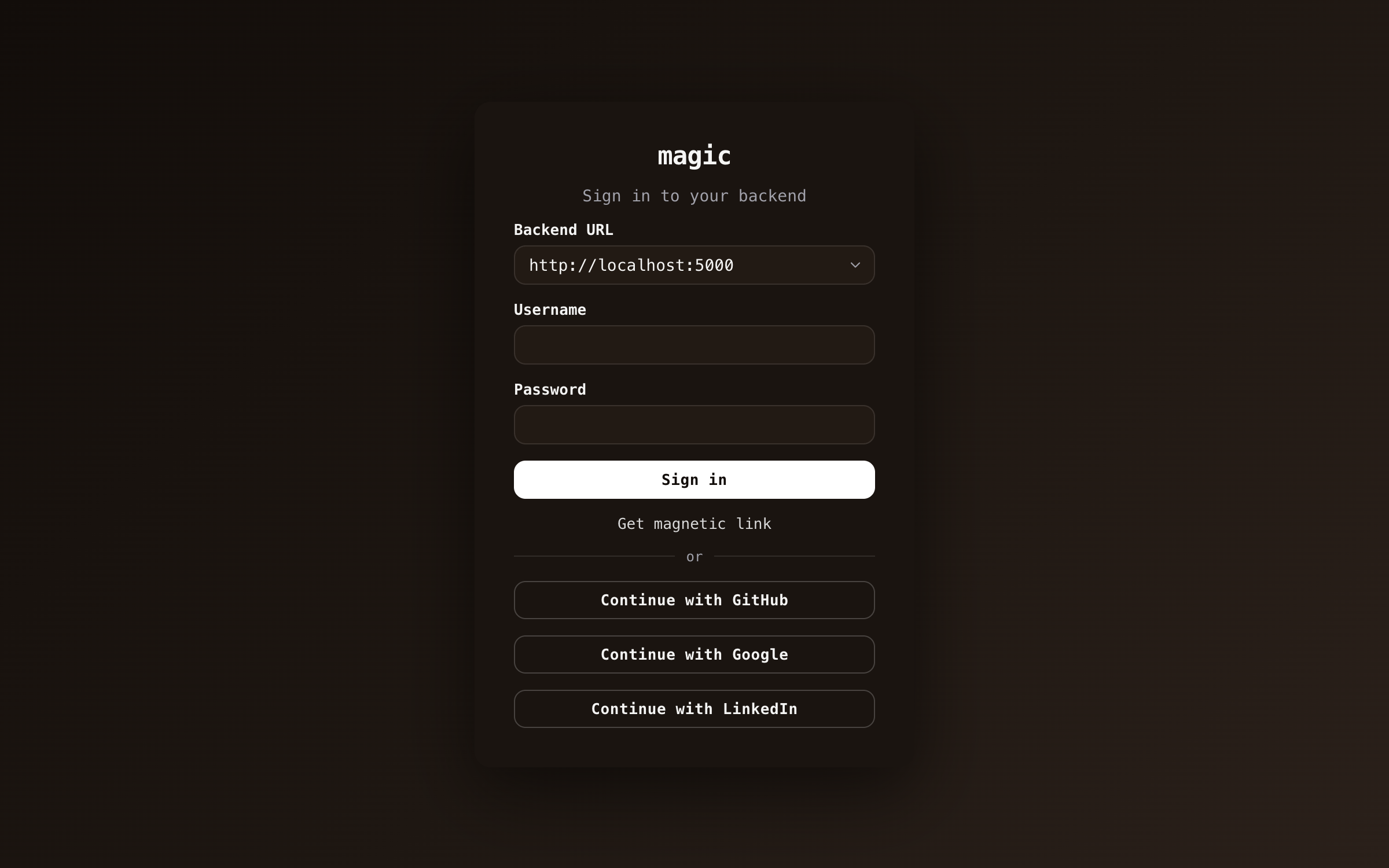
Three properties of external sign-in are worth understanding as an administrator. Identities are provider-scoped - a user signing in through GitHub with the email jane@example.com becomes the user github:jane@example.com, which can never collide with a local account, or with another provider’s idea of the same person. First sign-in creates the user with the guest role only, so nobody gains access to anything by merely authenticating - you grant roles explicitly from this component. And only email addresses the provider has actually verified are accepted, so nobody can reach an identity by adding someone else’s address to their account.
Users and roles internals
All access in Magic is based upon roles, implying by default all users belonging to the same role(s) have access to the same parts of your backend. This makes it easier to provide access to specific parts of your system(s), and/or also see which parts of your system specific users have access to. This is referred to as RBAC or Role Based Access Control.
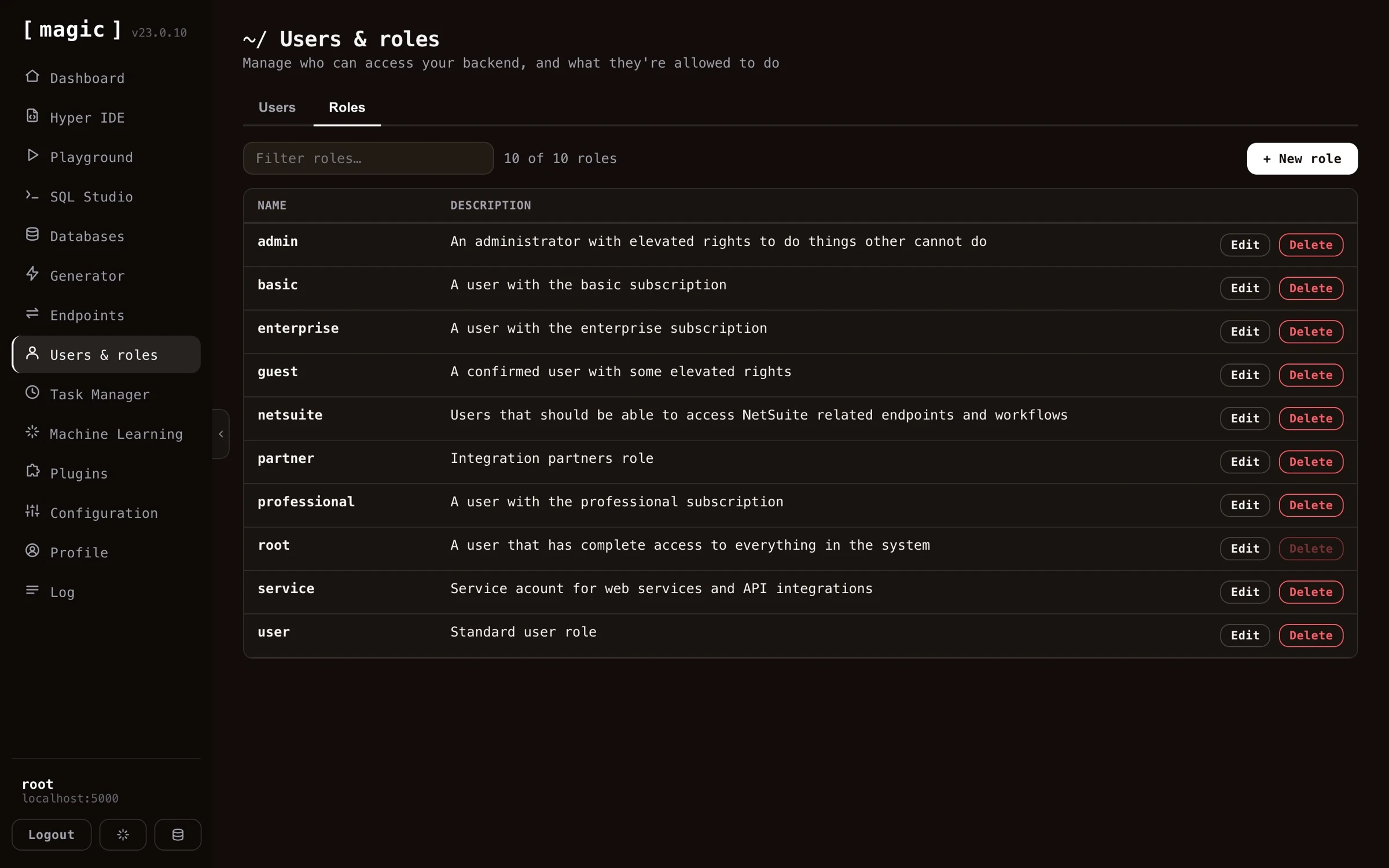
Magic does not create “access rights” associations for roles. Instead the system allows individual endpoints to declare themselves what roles are allowed to invoke the endpoint. This is done by invoking [auth.ticket.verify] from your Hyperlambda code, and passing in a comma separated list of roles that are allowed to invoke the endpoint. Below is how you would lock down an endpoint from being accessed by users not belonging to either the root role or the admin role.
// Some Hyperlambda endpoint file.
auth.ticket.verify:root, admin
The above will throw an exception if the user is not authenticated, or does not belong to either the admin role or the root role.
Rolling your own auth
The authentication and authorisation system in Magic is very flexible, and allows you to consume it from your own apps. The auth system is built as a “half fabricated auth system”, allowing you to implement it any way you see fit, to customise it according to your needs.
Frequently asked questions
What is the Users and roles component?
A graphical user interface for managing your application's users and roles, built on role based access control (RBAC).
What is RBAC?
Role Based Access Control - all access in Magic is based upon roles, so users belonging to the same roles have access to the same parts of your backend, making access rights easy to reason about.
How does authentication work in Magic?
Magic uses JWT (JSON Web Token) authentication, transmitted as a Bearer token in the Authorization HTTP header. Magic can also act as an OAuth server, and supports OIDC, letting users sign in through external identity providers such as Google, GitHub or Microsoft.
Can users sign in with Google or GitHub?
Yes. Magic ships sign-in support for Google, GitHub, LinkedIn, Microsoft Entra ID, Okta, Auth0, Keycloak and Slack out of the box, while still mapping every user onto Magic's own internal roles and RBAC. Each identity is scoped by provider, and new sign-ins start in the guest role until an administrator grants more.
How do endpoints declare who can access them?
Each endpoint declares its own access by invoking auth.ticket.verify with a comma separated list of roles. If the user is not authenticated or lacks the role, an exception is thrown.
Can I build my own authentication on top of Magic?
Yes. The auth system is deliberately built as a 'half fabricated' system you can extend and customise, for instance with your own registration flow.