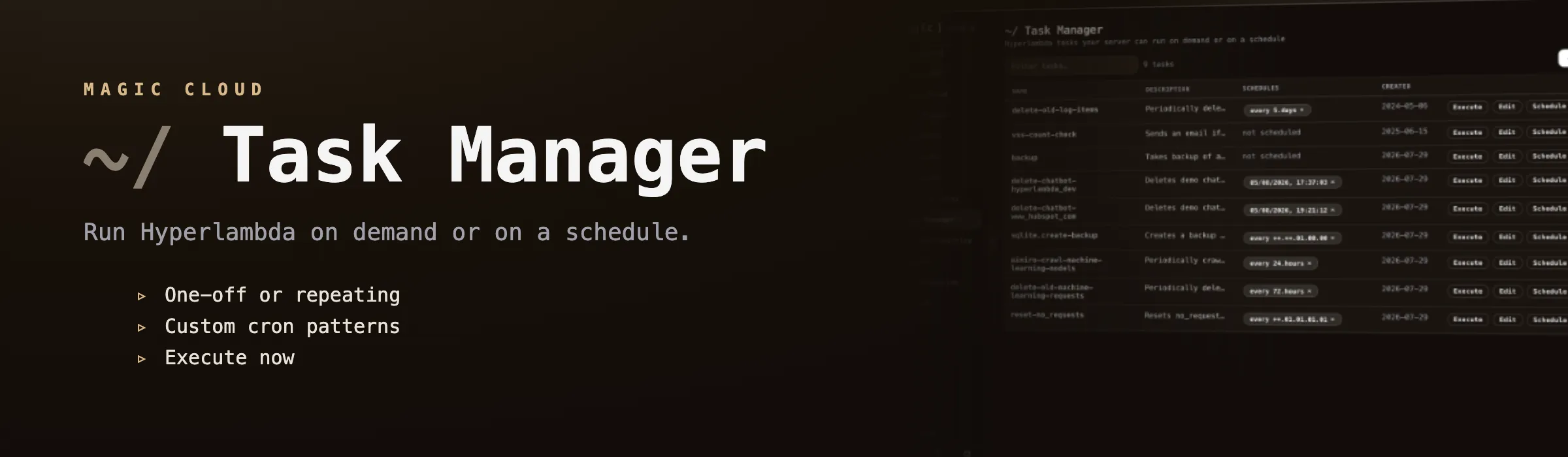
Task Manager
The Task Manager component allows you to create and administrate persisted Hyperlambda tasks, and/or schedule tasks for executing, either in a repeating pattern somehow, or at an exact date and time in the future. A Magic task is just a snippet of Hyperlambda code, that is persisted into your Magic database, and such can be recalled at any point in the future to be executed at will.
Creating tasks with natural language
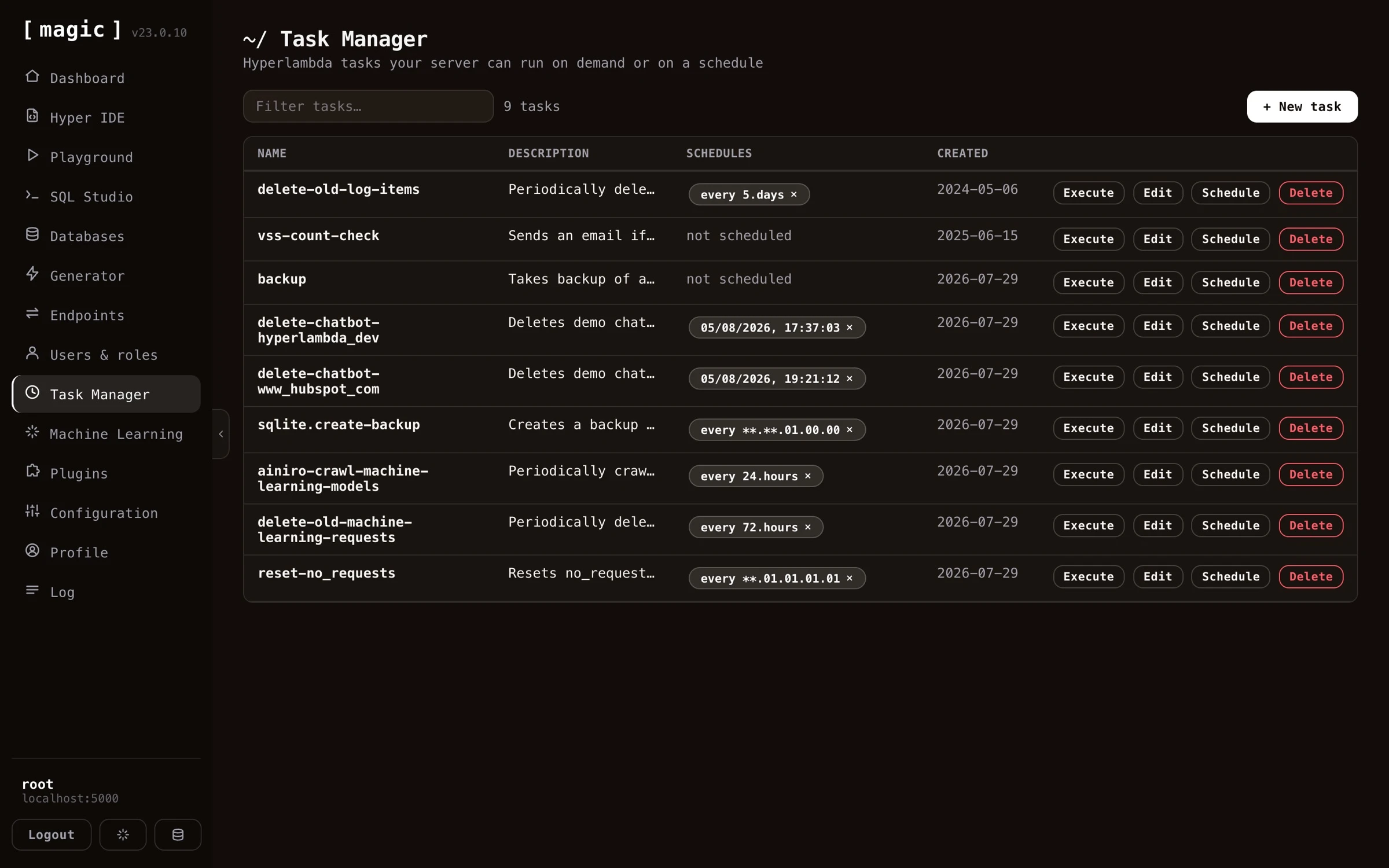
You don’t need to write the Hyperlambda for your tasks yourself. Below the code editor in the task editor you’ll find an input textbox that says “Where the Machine Creates the Code”. Describe what you want your task to do in plain English - for instance “Delete all log items older than 14 days” - click “Ask”, and the Hyperlambda Generator transforms your description into working Hyperlambda that replaces the content of the editor. If the task already contains code, your prompt is treated as a change instruction, allowing you to modify existing tasks the same way. This makes the Task Manager fully usable without knowing any Hyperlambda at all.
If you prefer writing the code yourself, the editor gives you autocomplete on all slots that exist in your cloudlet - click CTRL+SPACE on Windows or FN+CONTROL+SPACE on a Mac while editing a task, and choose from the list of matching slots.
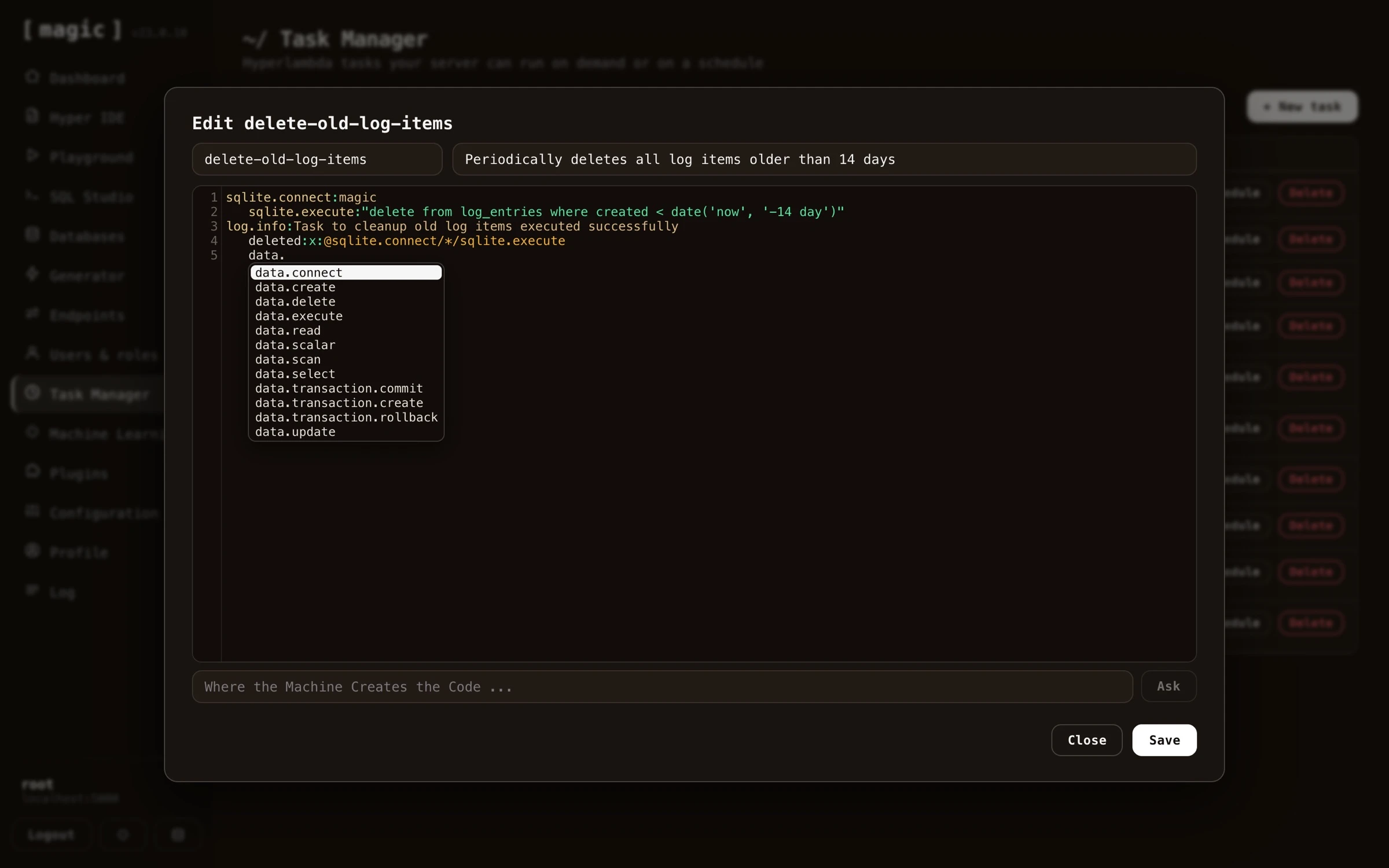
The idea behind the task component
The idea behind the task scheduler is first of all to allow for creating dynamically persisted tasks that can be triggered by some future event - In addition to scheduling your tasks to be executed at some specific date and time in the future, and/or in a repeating pattern. Since tasks are dynamically created Hyperlambda snippets of code, this makes the system very flexible contrary to most other task schedulers, that are often built upon statically compiled programming languages.
Tasks internals
Your tasks will be saved into your Magic database and its table called “tasks”, in addition to your “task_due” table for schedules. This implies that even if your cloudlet for some reason “drops”, and/or is rebooted, your tasks will automatically be re-scheduled as your cloudlet restarts. Notice, for tasks repeating every nth unit, this process is not 100% perfect, since it might imply the execution date for your tasks is being moved forward if your cloudlet reboots for some reason.
Scheduling tasks
Tasks can be scheduled according to a whole range of different patterns. First of all you can schedule a task to be executed at some specific date and time in the future. This is done by simply choosing a date and time in the future when you want your task to execute.
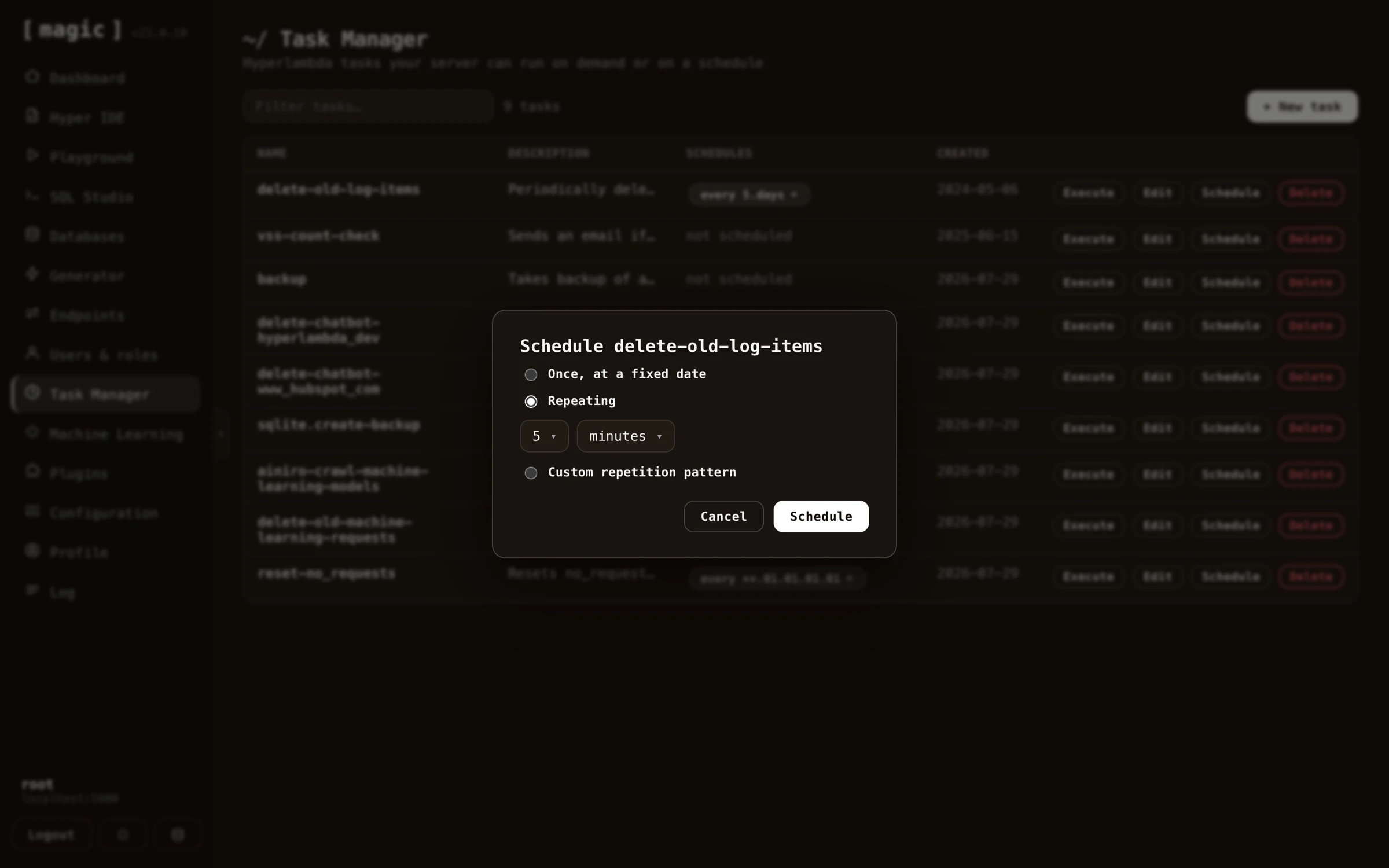
In addition to scheduling a task to be executed at a specific date and time in the future, you can also schedule your task to be repeated according to some sort of repetition pattern. The simplest pattern here is “every n unit”, where n can be any integer, and unit can be any of seconds, minutes, hours, days, weeks and months.
Slightly more complex repetition units can be provided by choosing a custom repetition pattern. There exist two such custom repetition patterns in Magic out of the box, and they are as follows.
MM.dd.HH.mm.ss- Where the entities are in sequence months, days in months, hours, minutes and seconds.ww.HH.mm.ss- Where the entities are weekdays, hour, minute and second.
Notice, MM, dd, and ww can have double asterisk (**) as their values, implying “every value”. MM, dd and ww can also have multiple values, separated by the pipe character (|), to provide multiple values for these types. To for instance create a task that is executed on the 5th and 15th of January and February you could use a task such as follows; “01|02.5|15.05.00.00”. This is because both the day and the month parts of a monthly repetition value can be piped together declaring multiple months and days, where the task will be executed at any of the days and months you declare in your repetition value. The same is true for the weekdays repetition pattern. If you want to create a scheduled task that repeats every Monday and Friday, you can use a pattern such as follows; “Monday|Friday.23.59.59”. This task will execute one second to midnight both Mondays and Fridays.
To understand which repetition pattern is which, simply count the number of periods in your value, and if there are 4 periods, it’s a month/day type of pattern. If there are only 3 periods in your pattern, it’s a weekday pattern.
To understand tasks more in detail, you can read about the magic.lambda.scheduler.
Frequently asked questions
What is a task in Magic?
A task is a snippet of Hyperlambda code persisted into your database. It can be executed by a trigger elsewhere in your system, at a specific future date, or repeatedly on a schedule.
Can I create tasks without knowing Hyperlambda?
Yes. The 'Where the Machine Creates the Code' bar below the task editor turns a plain English description - such as 'Delete all log items older than 14 days' - into working Hyperlambda for you.
Does the task editor have autocomplete?
Yes. Click CTRL+SPACE on Windows or FN+CONTROL+SPACE on a Mac while editing a task, and choose from the list of slots that exist in your cloudlet.
How do I run a task immediately?
Click Execute on the task - either from the Task Manager, or from the Tasks section on the dashboard's landing page.
What scheduling patterns are supported?
A specific date and time, every n seconds/minutes/hours/days/weeks/months, or custom patterns for month/day (MM.dd.HH.mm.ss) and weekday (ww.HH.mm.ss) repetitions, including multiple values separated by the pipe character.
What happens to my tasks if the server reboots?
Tasks and their schedules live in your database, so they are automatically re-scheduled when your cloudlet restarts.